












Facebook Twitter
Sign in
  • Home
  • Beauty
  • Lifehacks
  • Food & Recipes
  • Technology
  • Travel
Sign in
Welcome!Log into your account
Forgot your password?
Password recovery
Recover your password
Search
January 17, 2026
  • Sign in / Join
Facebook Twitter
Sign in
Welcome! Log into your account
Forgot your password? Get help
Password recovery
Recover your password
A password will be e-mailed to you.
meo.tips
  • Home
  • Beauty
    • Beauty

      Mastering Makeup: The Ultimate Step-by-Step Guide for Beginners from A to…

      Beauty

      15+ French Bangs Hairstyles to Turn Back Time, Captivate, and Lead…

      Beauty

      “The Most Desirable Figure in Showbiz: How One Celebrity Lost 10kg…

      Beauty

      “Vietnam’s Top Beauty Icon Lives a Healthy Lifestyle Like a ‘Chic…

      Beauty

      “Expert Reveals Ideal Hair Length to Prevent Hair Loss, Helping Women…

  • Lifehacks
    • How to

      The Enchanting Home of a Renowned U40 Woman: A Dreamy Abode…

      How to

      The Chef’s Secret to Delicious Stir-Fry Dishes

      How to

      The Magic of Blooming Winter-Heather for Tet: An Enchanting Guide

      How to

      The Ultimate Guide to Selecting and Displaying the Stunning ‘Huyen’ Peach…

      How to

      The Art of Arranging Lilies: A Guide to a Long-lasting and…

  • Food & Recipes
    • Food & Receipts

      Kênh Village Tofu: A Rustic Thai Binh Specialty in High Demand

      Food & Receipts

      Mastering Bok Choy Selection: Green vs. White – 3 Insider Tips…

      Food & Receipts

      “Ribs Stewing Debate: Chefs Reveal the Right Way, Debunking Common Myths”

      Food & Receipts

      “Skip the Salt and Vinegar: Clean Pork Offal in 5 Minutes…

      Food & Receipts

      “Perfectly Crispy and Vibrant Red Shrimp: Just 2 Simple Ingredients for…

  • Technology
    • Technology

      Essential Computer Hacks to Optimize Your PC Performance

      Technology

      Blazing-Fast Windows 10: Pro Tips to Supercharge Your PC & Laptop

      Technology

      Stunning Logo Design Fonts: Top Picks for Designers with Free Download…

      Technology

      Stunning Logo Design Fonts: Top Picks for Designers with Free Download…

      Technology

      Stunning Logo Design Fonts: Top Picks for Designers with Free Download…

  • Travel
    • Travel

      100+ Hilarious Travel Quotes & Witty Sayings for Adventurers in 2026

      Featured

      “The Bizarre Vegetable That Makes Diners Cringe Yet Becomes a U.S….

      Featured

      Dalát in Rose Season: Every Corner Frames Stunning Shots Like Tăng…

      Featured

      “Slurp Your Way Through Hanoi’s Top 5 Oldest Snail Noodle Soups:…

      Featured

      “The Humble Fruit with a ‘Poor’ Name: A Hidden Gem of…

Home Featured 5 Steps to Secure Your Facebook Account Against Hacking – 2021 Update
  • Technology

5 Steps to Secure Your Facebook Account Against Hacking – 2021 Update

If you are running a business selling on Facebook, ensuring the security of your Facebook account is crucial. Don't wait until you lose your account to start looking for ways to recover it because the process of recovery can be quite challenging.

By
Administrator
-
7 January, 2024
0
386
Facebook
Twitter
Pinterest
WhatsApp

    So why are Facebook accounts hacked and what can be done to protect them? Find out now with Thuật Nguyễn Corp.

    You understand simply that when you do business on Facebook and your personal Facebook account contains a lot of important information like friends, customers, advertising accounts… that’s why it’s always a target for hackers to take advantage of.

    Here are the reasons why Facebook accounts are hacked:

    + Logging into the account on multiple browsers, different locations.

    + Poor security of Facebook account information.

    + Logging into a phishing website.

    + Using unknown source applications, software.

    + Stolen account by checkpass opponents.

    + Hacked email, gmail accounts used to register accounts.

    + Lost phone numbers used to register accounts…

    However, Facebook has been trying to protect users by enhancing their account security, but somewhere there are still vulnerabilities that hackers can exploit and steal.
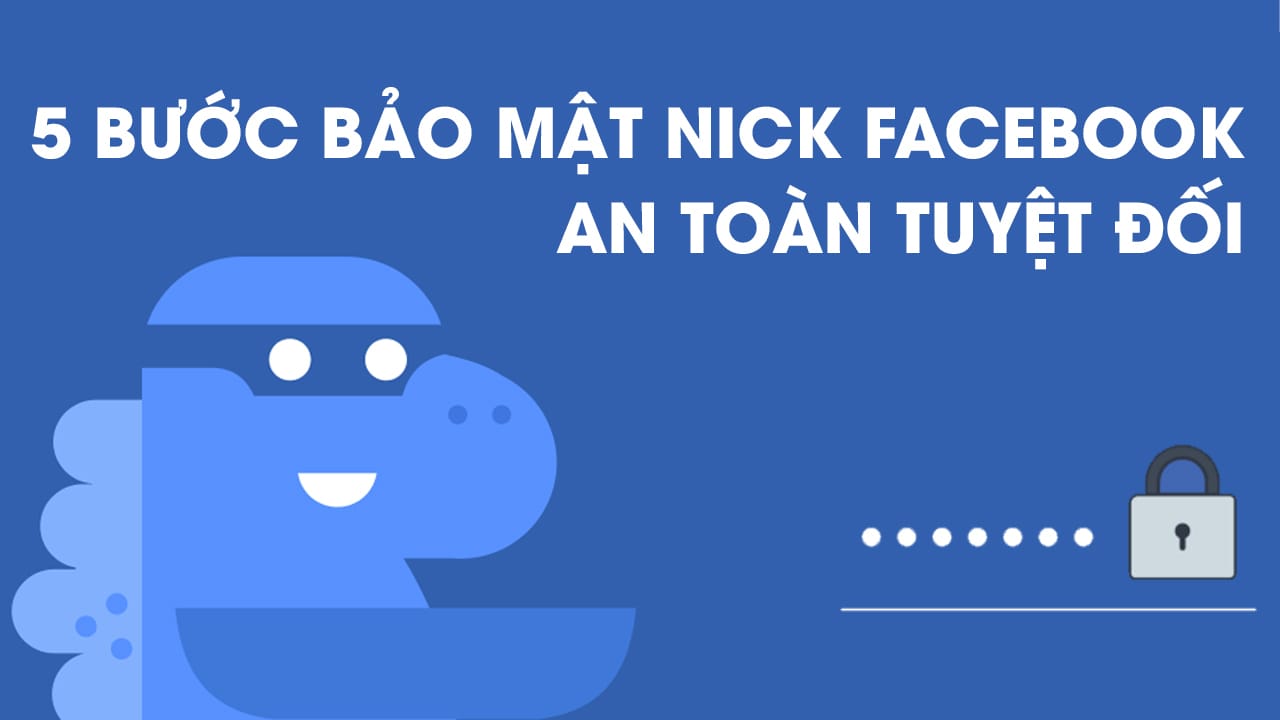
    Hacker’s tactics used to hack Facebook accounts

    • Stealing with Facebook Phishing

    Phishing is the most commonly used method for stealing Facebook passwords. With phishing, you will be tricked into entering your email address and Facebook password into a fake Facebook login page created by the hackers. From there, they can log into your Facebook account using that email and password.

    • Stealing with Promotional Programs – Prizes or Mini Games

    Hackers will fake promotional programs on behalf of Facebook (winning motorcycles, cars, cash… with high value) and request users to confirm by accessing a strange link.

    Mini games on Facebook like: “Which football player do you resemble?”, “Who will you marry in the future?”, “Who cares about you the most?”,… are also used by these people to steal Facebook accounts by forcing players to log in with their passwords before participating.

    • Stealing with Viruses and Malware

    With just a link to an image, video, or any content, they can send spyware or viruses to your computer or phone. From there, all your information, including your Facebook password, will be sent to the hacker’s server.

    What do hackers want from other people’s Facebook accounts?

    Facebook accounts and personal information of users are used for fraud, theft, or other malicious purposes. They can be done by messaging everyone on the stolen account’s friend list, using the account owner’s personal information,…

    5 Steps to secure your Facebook account

    Watch the detailed video guide on securing your Facebook account here

    Step 1: Declare personal information including

    – Cover photo – Full name

    – Hometown

    – Current city or province

    – Basic information: Gender, date of birth, gender

    Why do we need to declare personal information on Facebook?

    We need to declare so that every time there is a problem with our Facebook account, this is the information to verify and recover our Facebook account.

    Step 2: Set the friend list to private mode

    When setting the friend list to private mode, nobody can see our friends, and this step also prevents hackers from exploiting information from our friend list.

    Step 3: Update email and phone number in the account

    When we set up our phone and email, every time we forget our password, Facebook will send information to recover our password to our email or phone number.

    Step 4: Enable two-factor authentication

    When we enable two-factor authentication, every time we log into our Facebook account on an unknown computer, Facebook will send an authentication code to our phone number.

    Step 5: Strengthen security with notifications.

    Things to note to use Facebook securely

    When using Facebook, especially for business purposes, remember to secure your account. Remember:

    + Do not reveal or publicly share personal information such as phone numbers or the email address used to register Facebook anywhere.

    + Be cautious when signing into Facebook from any app or window other than a trusted browser with the official Facebook address or app on your phone.

    + Set up Facebook to receive login notifications, if there is anything abnormal, cancel that login session immediately.

    + Regularly check the activity log to see if there are any unusual activities on your account, if there is anything you didn’t do but it still appears, change your password and log out of all other login sessions.

    You may also like

    Increasing Your Instagram Security with Two-Factor Authentication



    Are you looking for an extra layer of security for your Instagram account? Two-factor authentication is a great way to help protect your account from potential hackers. This article explains the steps necessary to activate two-factor authentication for your Instagram profile.

    Learn How to Identify if Your Online Account Has Been Breached



    Keeping your personal data secure in the digital age is of utmost importance. But how can you make sure your online information is safe and sound? Ði?n máy XANH has the answers to these questions. Read ahead for advice on protecting your account information and keeping it out of the wrong hands!

    Security Tips for Your iPhone That Not Many People Are Aware Of


    Ensuring your iPhone’s security is critical. Therefore, taking the right steps to protect it from unauthorized access should be done as soon as possible. To help you safeguard your device, we have compiled a guide below. Read on to learn more about how to secure your iPhone!

    Understanding the Security Lock on iPhones: What It Is and How It Works



    Are you aware of the security benefits offered by the security lock on your iPhone’s Apple ID? FPT Shop will share details on how to use this feature and how to maximize its potential – check out the details below!

    SOURCEmeohay
    • TAGS
    • Facebook account security
    • hacking
    • password protection
    • phishing
    • two-factor authentication
    Facebook
    Twitter
    Pinterest
    WhatsApp
      Previous articleGrowing Up with These 4 Types of Parents Makes Children Insecure and Less Likely to Succeed
      Next articleHow to Set Up Email on Outlook: Guide for Outlook 2019, Outlook 2016, and Outlook 2013
      Administrator
      Administrator

      RELATED ARTICLESMORE FROM AUTHOR

      Tips

      October 2025’s Top 10 Must-Watch Movies: Hsu Guang-Han’s Comeback & Chilling Horror Releases

      Tips

      6 Highly Anticipated Korean Dramas Premiering in October 2025

      Tips

      November 2025 Blockbusters: A Thrilling Lineup of Horror and Action Hits the Big Screen

      Most popular

      Last 3 days of November: Triple Fortune and Wealth Gather at...

      28 November, 2023

      Fixing the Formatting Error in Excel: Causes and Effective Solutions

      25 December, 2023

      Tips for Decorating Walls in a Christmas Style

      21 October, 2023
      - Advertisement -

      Recent posts

      October 2025’s Top 10 Must-Watch Movies: Hsu Guang-Han’s Comeback & Chilling Horror Releases

      Administrator - 17 January, 2026 0

      6 Highly Anticipated Korean Dramas Premiering in October 2025

      Administrator - 17 January, 2026 0

      November 2025 Blockbusters: A Thrilling Lineup of Horror and Action Hits the Big Screen

      Administrator - 16 January, 2026 0

      Top 12 Must-Watch Christmas Animated Films for Kids in 2025

      Administrator - 16 January, 2026 0

      What’s New on Netflix in December 2025? Top 10 Must-Watch Netflix Releases of the...

      Administrator - 16 January, 2026 0

      Most popular

      Exploring Reasons and Options to Address Constantly Running Refrigerator

      10 September, 2023

      The Lucky Charm: Unveiling a Lifetime of Wealth at Age 3,...

      2 January, 2024

      Are Cupcakes and Muffins the Same? Distinguishing Cupcakes from Muffins

      14 July, 2024
      - Advertisement -

      Recent posts

      October 2025’s Top 10 Must-Watch Movies: Hsu Guang-Han’s Comeback & Chilling Horror Releases

      Administrator - 17 January, 2026 0

      6 Highly Anticipated Korean Dramas Premiering in October 2025

      Administrator - 17 January, 2026 0

      November 2025 Blockbusters: A Thrilling Lineup of Horror and Action Hits the Big Screen

      Administrator - 16 January, 2026 0

      Top 12 Must-Watch Christmas Animated Films for Kids in 2025

      Administrator - 16 January, 2026 0

      What’s New on Netflix in December 2025? Top 10 Must-Watch Netflix Releases of the...

      Administrator - 16 January, 2026 0
      - Advertisement -
      ABOUT ME
      Vietnamese tips & tricks
      Contact me: [email protected]
      FOLLOW US
      Facebook Twitter
      © Copyright 2022 - Meo.Tips